

The mcp-use server framework extends the official MCP Python SDK with enhanced features for building production-ready MCP servers. It provides built-in documentation endpoints, inspector UI, improved logging, and seamless integration with the mcp-use ecosystem.
Why mcp-use Server Framework?
While the official MCP Python SDK provides the core protocol functionality, mcp-use enhances it with production-ready features:
Official SDK Compatibility
Fully compatible with the official MCP Python SDK. Extends existing functionality without breaking changes, ensuring seamless migration.
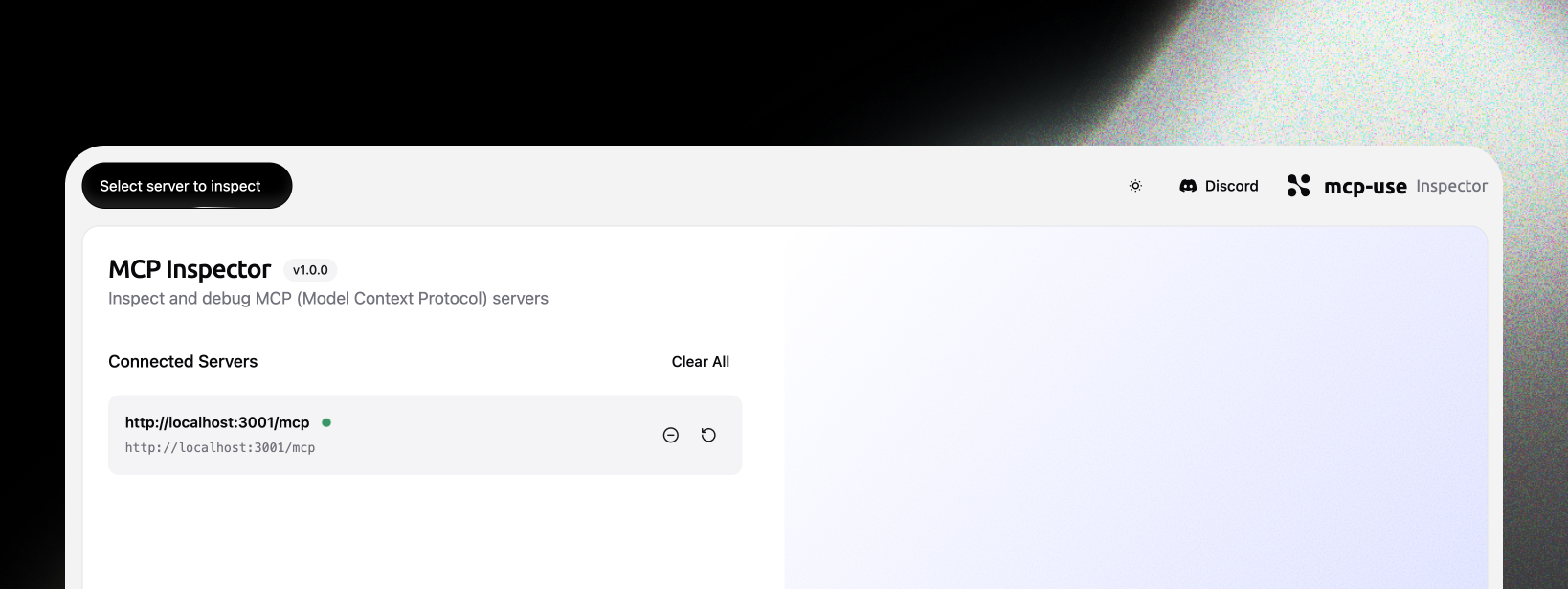
Inspector UI
Built-in web interface for real-time server monitoring, tool exploration, and debugging. Accessible at /inspector endpoint.
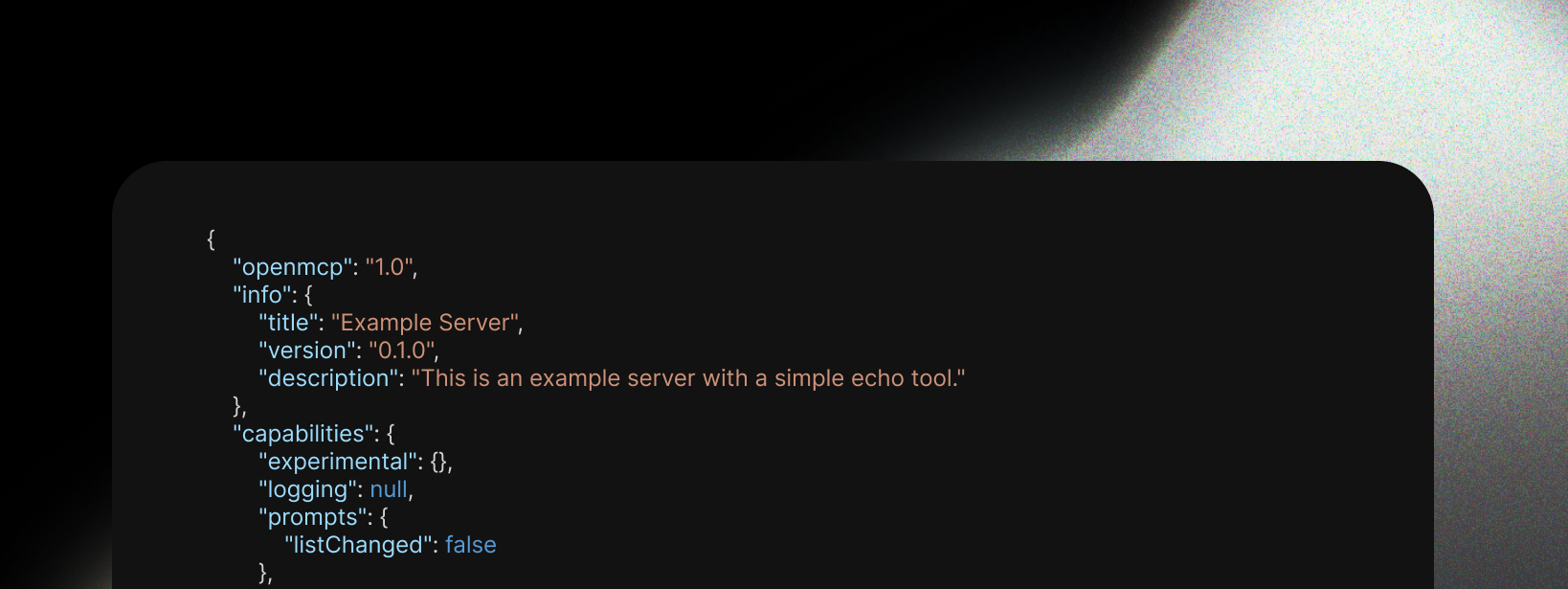
openmcp.json
Automatic generation of openmcp.json endpoint for server discovery and metadata. Provides standardized server information for MCP clients and tools.
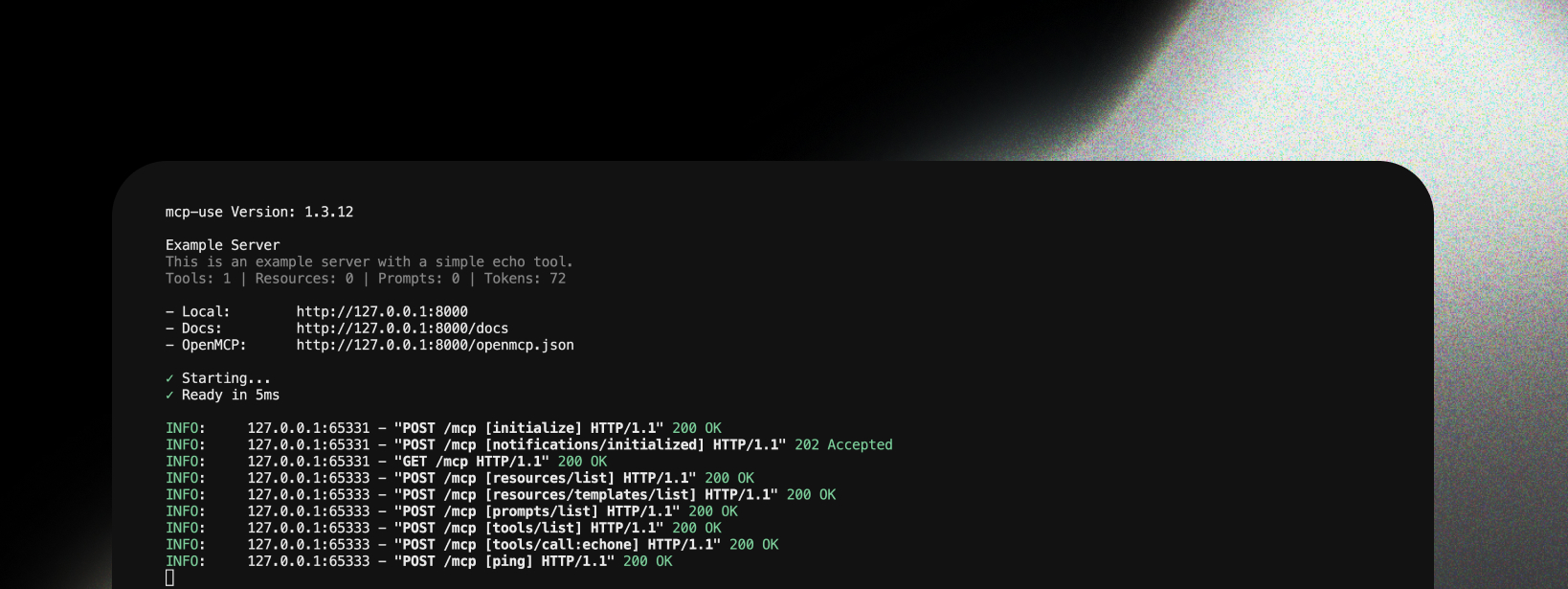
MCP-Specific Logging
Enhanced logging system designed specifically for MCP servers with structured output, request tracing, and performance metrics.
Compatibility
Official MCP SDK
mcp-use server framework is fully compatible with the official MCP Python SDK. It extends the SDK rather than replacing it, ensuring:- All official MCP features work as expected
- Existing MCP servers can be easily migrated
- Full compliance with MCP protocol specifications
fastmcp2
mcp-use complements fastmcp2 by providing:- Different Focus: fastmcp2 focuses on rapid prototyping, mcp-use focuses on production features
- Enhanced Observability: Better logging, metrics, and debugging tools
- Ecosystem Integration: Native compatibility with mcp-use clients and agents
- Documentation: Built-in API documentation and inspector UI
Quick Start
Build your first MCP server in minutes with this step-by-step guide:1
Install mcp-use
2
Create your server file
Create a new file called
my_server.py:3
Add your first tool
Define a tool using the
@server.tool() decorator:4
Add more tools (optional)
Add additional tools to extend functionality:
5
Run the server
Add the run command at the bottom of your file:Then run it:
6
Access your server
Your server is now running at
http://localhost:8000:- MCP endpoints:
/mcp - OpenMCP metadata:
/openmcp.json(debug mode only) - Documentation:
/docs(debug mode only) - Inspector UI:
/inspector(debug mode only)
Complete Example
Here’s the full code in one place:Transport Options
Choose the right transport for your use case:Debug Mode
Enable debug mode for development features:/openmcp.jsonendpoint for server discovery/docsendpoint with interactive documentation- Enhanced logging with detailed request information
Server Icons
Add icons to your server implementation so MCP clients can display them:initialize response and can be used by clients for display in tool pickers, server lists, etc. You can also set icons on individual tools via the @server.tool() decorator:
Next Steps
- Installation & Setup - Detailed installation instructions
- Running Your Server - Production deployment options
- Inspector UI - Monitor and debug your server